
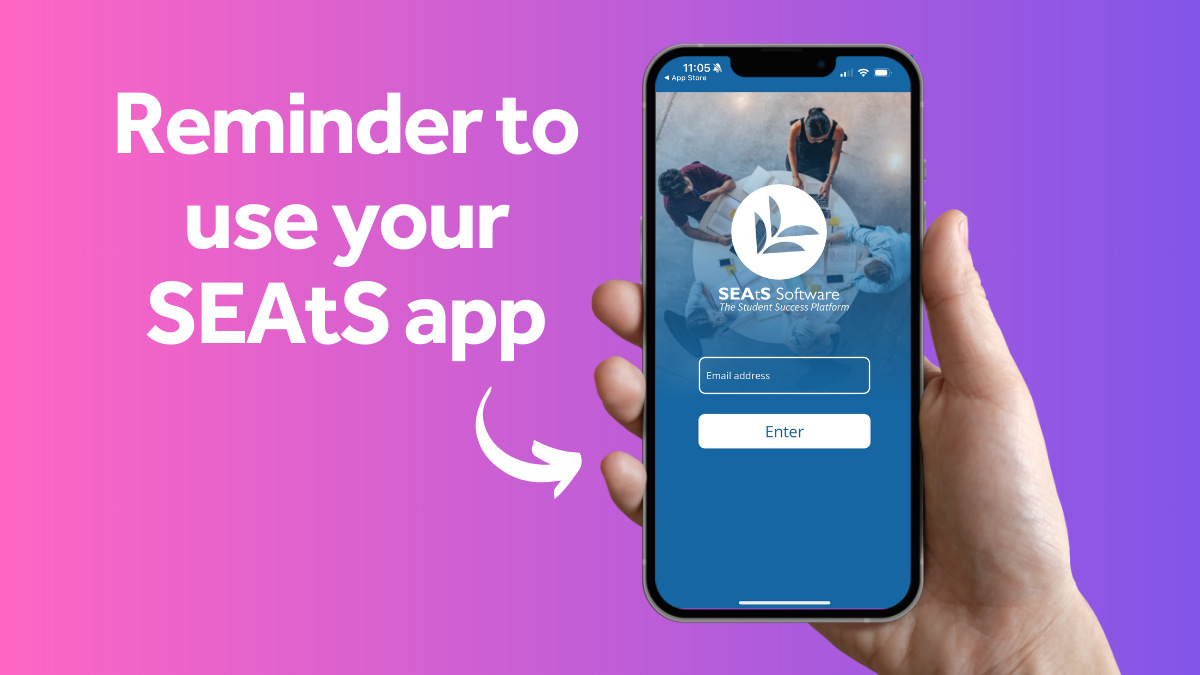
As we kick off another exciting semester, we want to remind all students to continue using the University’s Student Engagement and Attendance System (SEAtS) to support your wellbeing and academic success.
For those of you who are new to SEAtS, you can find everything you need to know on the Student Support site.
Why it’s important
SEAtS is designed to enhance your student experience by promoting academic engagement and supporting your wellbeing. By regularly using the app, you can stay on top of your attendance and ensure you’re making the most of your time at university. For students on a visa, it’s crucial to log your attendance. Due to statutory reporting requirements the University must follow.
Logging absences
If you have an upcoming absence, like an appointment or you wake up feeling under the weather, you can easily log it in the SEAtS app. This helps keep your records up-to-date and ensures that all the information in SEAtS is 100% accurate. Check out this how-to video and it’ll be done in minutes.
Scanning QR codes
It’s much quicker to use your phone’s camera when you scan the QR code. This will log your attendance in a couple of clicks.
Updating the app
Make sure your SEAtS app is updated to the latest version. If you don’t have auto app updates switched on, please check for updates manually to benefit from the latest features and improvements.
Viewing your timetable
Whilst SEAtS is great for attendance tracking, you’ll still need to view your full timetable in MyManchester. Make sure to check it regularly to stay informed about your classes and any changes.