
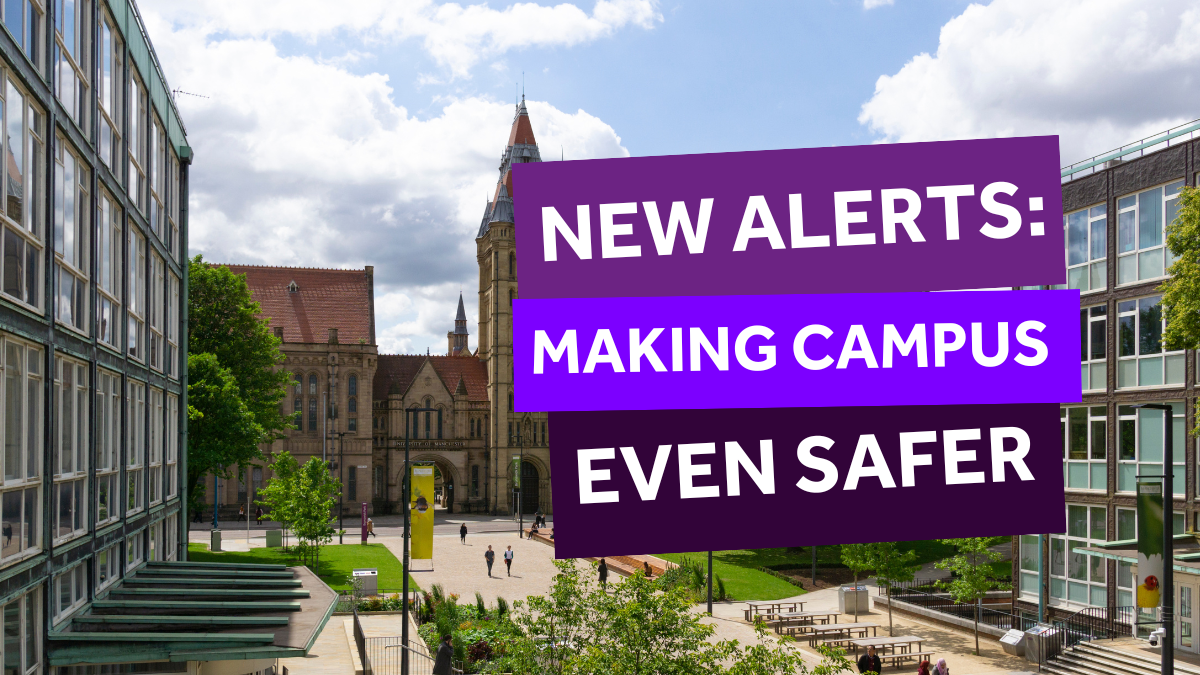
The safety and wellbeing of our staff, students, and visitors is our priority. In line with new legislation, Terrorism (Protection of Premises) Act, we will be introducing SMS notifications and device screen takeovers to issue alerts across campus in emergency situations.
The new legislation requires all organisations – including ours – to review and improve their current safety protocols to ensure better protection for everyone.
As a result of us carefully reviewing and strengthening our current measures, we are launching the SafeZone Safety Initiative to create a safer environment for all our community.
What is SafeZone?
SafeZone is our safety and wellbeing app, designed to give you extra peace of mind on campuses across the city. It’s free to download, easy to use and we recommend that all students have it on their phones — if you haven’ already search ‘SafeZone’ on your app store to download.
Safezone allows you to quickly connect to campus support and security if you ever feel unsafe or need medical assistance.
As part of this new initiative we will roll out further SafeZone functionality in two phases:
SafeZone on managed devices
Starting this month, SafeZone will be expanded to all managed university computers to provide instant, real-time alerts in the event of an emergency. Managed university computers include PC clusters in University Buildings and laptops provided by the University. In the system tray on your taskbar, you may notice a new SafeZone icon, confirming that it is now active on your device.

When an alert is triggered, it will appear as a full-screen notification with clear, bold text and a high-visibility colour scheme to ensure immediate attention. The alert will include concise instructions and any critical next steps.

SafeZone on SMS
Early next year, we will roll out SMS alerts to all staff and students. These will ensure everyone, whether using a managed device or personal mobile phone, receives real-time notifications. We will send more information about this closer to the roll out date, but in the meantime, please ensure your details are up to date on the student system (campus solutions) which you can access through My Manchester. Please make sure that your phone number is formatted with the country code and without any spaces, dashes or brackets